Pro Team
Legacy
Full settings breakdown for 5 Legacy players — crosshair codes, sensitivity, resolution, and gear.
See also: esports hub, see live matches, rankings, predictions, tournaments, head-to-head, roster moves, live streams.
Legacy CS2 Settings
Full settings breakdown for 5 Legacy players — crosshair codes, sensitivity, resolution, and gear. Compare configs side by side and copy settings instantly.
Player Settings

CSGO-MuOo2-K4qJd-Qwv6v-y4YVa-42FyB
CSGO-Dk2fo-CQZD4-f834y-WOmMi-6KchQ
CSGO-NqjKh-9eJXa-ZM9pA-ijCUe-NCmDA
CSGO-ouWk2-aY3qS-fhU9s-BYYhb-wHH8D
CSGO-r2ods-KUx7e-zY6YP-OO2pB-eGpYFLegacy Settings Comparison
Side-by-side comparison of all Legacyplayers' sensitivity, resolution, crosshair, and gear. Every setting here is pulled from the individual pro player profiles; to convert any of these to your own DPI use the sensitivity converter, and the raw codes are on the pro crosshair codes page. Hardware they run is catalogued in the gear database.
| Player | Role | DPI | Sens | eDPI | Resolution | Aspect | Display | Refresh | Mouse | Mousepad | Keyboard | Headset | Monitor |
|---|---|---|---|---|---|---|---|---|---|---|---|---|---|
| 🇧🇷 arT | IGL | 800 | 1.42 | 1136 | 1280x960 | 4:3 | Stretched | 600Hz | Logitech G Pro X2 SUPERSTRIKE | SteelSeries QcK Heavy | Razer Huntsman V3 Pro TKL Black | SteelSeries Arctis Nova Pro Wireless | ZOWIE XL2586X+ |
| 🇧🇷 dumau | Rifler | 400 | 1.99 | 796 | 1280x960 | 4:3 | Stretched | 600Hz | ZOWIE EC2-DW Black | Zowie Mousepad (Unreleased) | Wooting 80HE Frost | Razer BlackShark V2 Pro White | ZOWIE XL2586X+ |
| 🇧🇷 latto | Rifler | 800 | 1.25 | 1000 | 1280x960 | 4:3 | Stretched | 600Hz | ZOWIE EC2-DW Glossy | Artisan Type-99 Soft Black | Wooting 80HE Frost | HyperX Cloud III Wireless Black | ZOWIE XL2586X+ |
| 🇧🇷 n1ssim | Rifler | 400 | 1.77 | 708 | 1920x1080 | 16:9 | Native | 600Hz | ZOWIE U2-DW Black | ZOWIE G-SR-SE Orange | Wooting 80HE Frost | SteelSeries Arctis Nova Pro Wireless | ZOWIE XL2586X+ |
| 🇦🇷 try | AWPer | 400 | 2.3 | 920 | 1280x960 | 4:3 | Stretched | 600Hz | WLMOUSE HUAN MA-GIC | Artisan Ninja FX Zero Soft Orange | Wooting 60HE v2 Silver | AceZone A-Spire Wireless | ZOWIE XL2586X+ |
| Team Avg | — | 560 | 1.75 | 912 | 1280x960 | 4:3 | — | — | Logitech G Pro X2 SUPERSTRIKE | — | |||
Legacy Playstyle Profile
How the roster plays, computed from the settings above and compared against the pro-player average.
Legacy is a high-sens team: the roster averages 912 eDPI, 8% above the pro average of 846, with individual setups ranging from 708 to 1136. 4 of 5 players (80%) run a stretched resolution and 1280x960 is the most common resolution on the roster. Gear choices are individual, with 5 different mouse models across 5 players.
Legacy Crosshair Codes
Copy any Legacy player's crosshair code and paste it in CS2 settings.
CSGO-MuOo2-K4qJd-Qwv6v-y4YVa-42FyBCSGO-Dk2fo-CQZD4-f834y-WOmMi-6KchQCSGO-NqjKh-9eJXa-ZM9pA-ijCUe-NCmDACSGO-ouWk2-aY3qS-fhU9s-BYYhb-wHH8DCSGO-r2ods-KUx7e-zY6YP-OO2pB-eGpYFRecent Matches
Recent match results from PandaScore.
Current Roster
Active competitive lineup verified from match data (checked Aug 27, 2026).
Current Form
Rank is Valve's Regional Standings as of 2026-10-05. Records are finished matches over the last 120 days.
Strength of Schedule
Who Legacy actually played over the last 120 days. A win rate on its own cannot separate a run against qualifiers from one against the top five.
Quality of opposition
- vs top 105–455.6%
- vs 11–305–550%
- vs outside top 303–350%
LAN vs online
- LAN14–1253.8%
By series format
- BO312–1250%
Splits with fewer than 4 matches are hidden rather than shown as a percentage of two games.
Competitive Performance
Map results and CT/T round splits from the last 90 days of professional matches, from Liquipedia (CC BY-SA 3.0).
Map Pool — Last 90 Days
| Map | Played | Win Rate | Grade | CT% | T% |
|---|---|---|---|---|---|
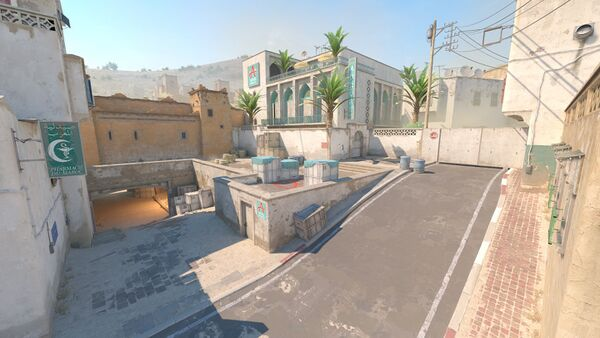 Dust2 Dust2 | 8–6 (14) | B | 53.6% | 47.4% | |
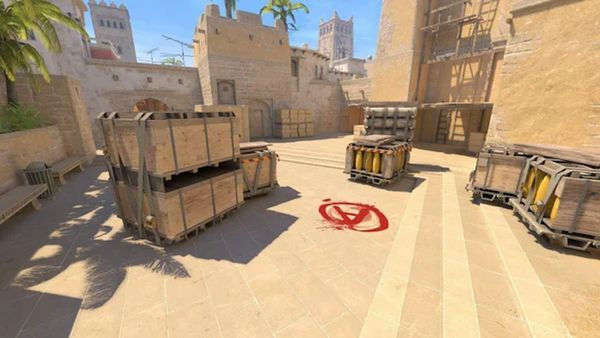 Mirage Mirage | 9–4 (13) | A | 58.6% | 43.9% | |
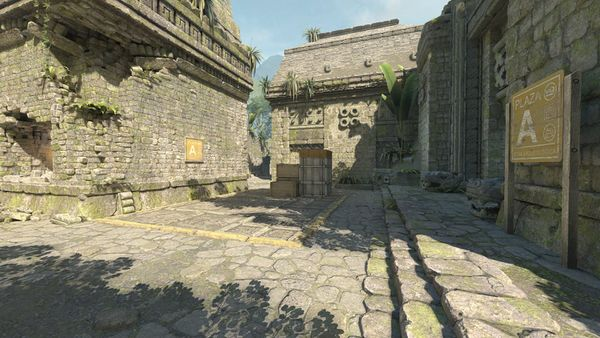 Ancient Ancient | 6–6 (12) | B | 54% | 52.8% | |
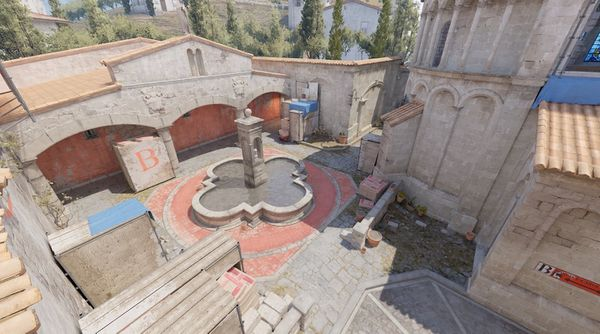 Inferno Inferno | 4–3 (7) | B | 46.9% | 48.6% | |
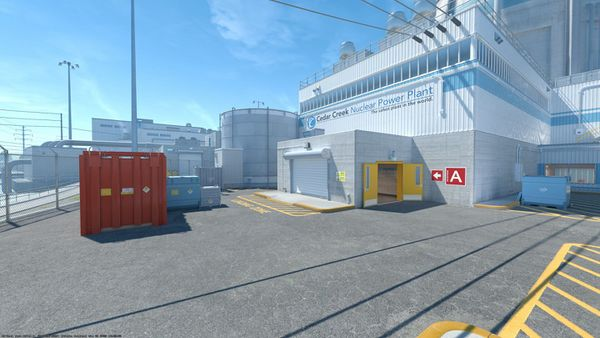 Nuke Nuke | 4–2 (6) | A | 66.7% | 42.4% | |
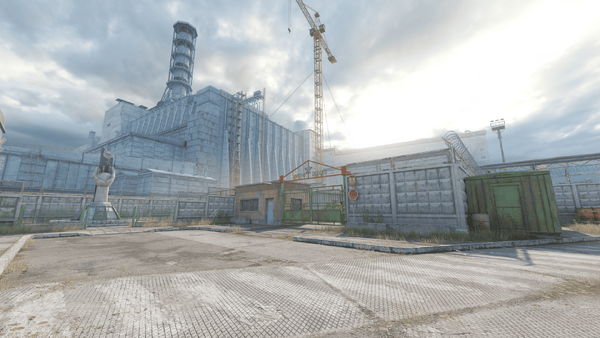 Cache Cache | 3–2 (5) | B | 51.7% | 46.2% |
Grades shrink small samples toward 50% — a 1–0 map never reads as elite. Maps need 5+ plays in the window to earn a grade.
Over the last 90 days Legacy played 24 matches. Their strongest map is Mirage (69.2% over 13 played) and weakest is Ancient (50%).
Frequently Asked Questions
- What sensitivity do Legacy players use?
- Legacy players use an average eDPI of 912, which is above the global pro average of 846. The team's eDPI ranges from 708 to 1136. Most players on the roster use 400 DPI as their hardware setting.
- What resolution does Legacy use in CS2?
- The most common resolution on Legacy is 1280x960 (4:3). 4 players use stretched mode, and 1 use native resolution.
- What mouse does Legacy use?
- The most popular mouse on Legacy is the Logitech G Pro X2 SUPERSTRIKE. Each player has their own preferred peripherals, and you can find their exact gear listed on this page with links to purchase.
- Should I copy Legacy's settings?
- Legacy's settings are a great reference point, especially for understanding what works at the highest level of CS2. However, the best approach is to use their settings as a starting point and adjust based on your own comfort, desk space, and playstyle. Focus on staying within the team's eDPI range (708–1136) and give any changes at least 2 weeks of practice.