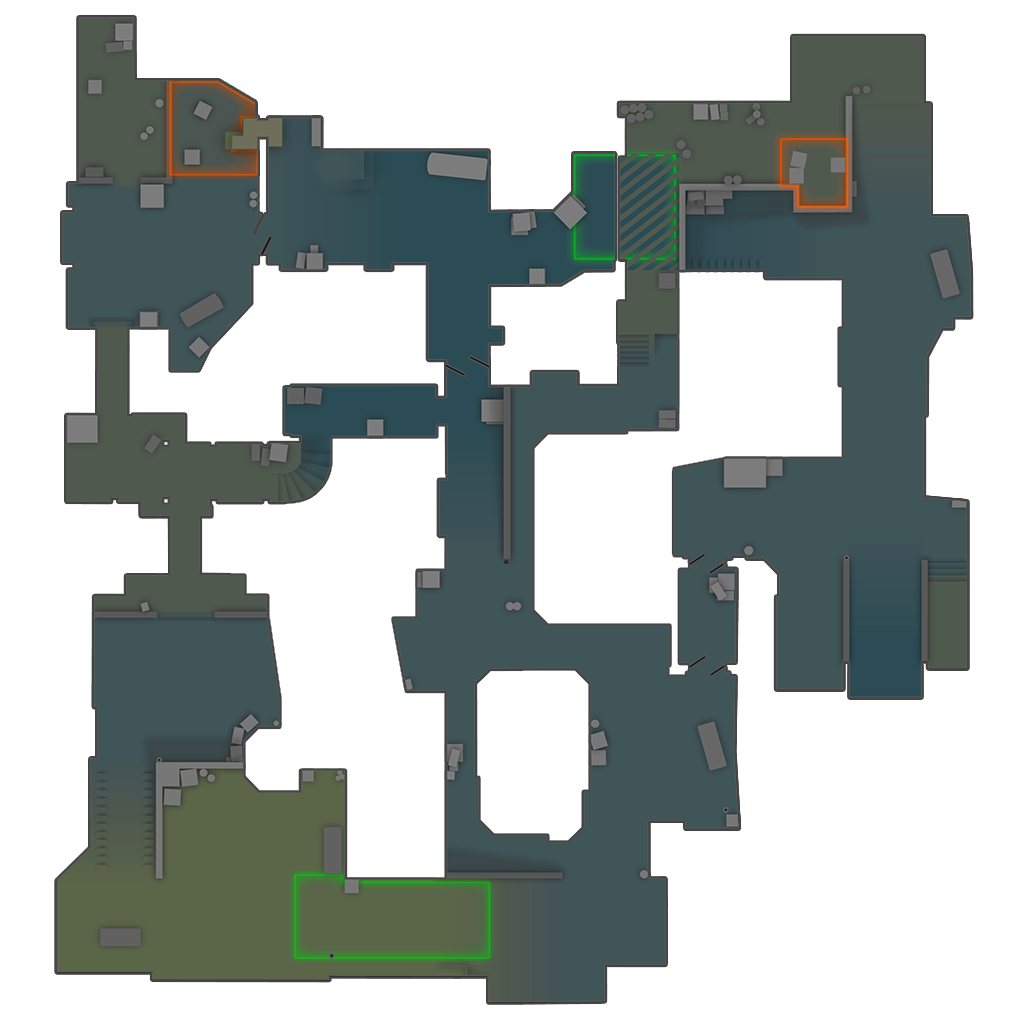
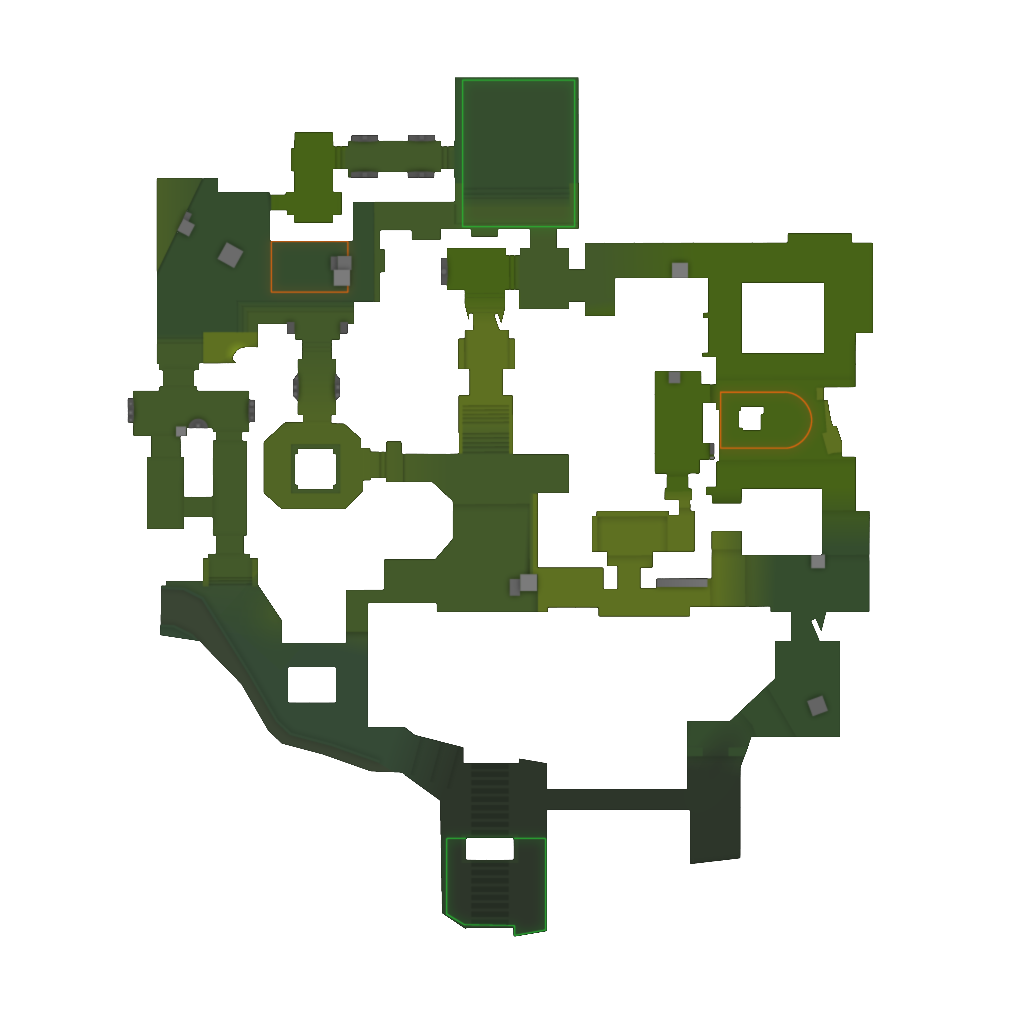
A curated collection of 13 essential Steam Workshop maps for improving at Counter-Strike 2. From aim training to surf, utility lineups to movement practice.
Live subscriber data from the Steam Workshop, refreshed every 6 hours.
All Workshop Maps
Category:
Difficulty:
Aim TrainingBeginner
Aim Botz - Aim Training (CS2)
by uLLeticaL
The gold standard of aim training maps, rebuilt for CS2. Practice against stationary or moving bots. Adjust distance, movement, and armor to train different scenarios. Over 12 million subscribers.
Official CS2 remake of the classic reflex map. Bots rush toward you through a gap and you eliminate them before they arrive — excellent for building reaction time and flick shots. Bot count is adjustable via console.
Community port of the legendary training_aim_csgo2 map. Customizable target size, speed, and spawn patterns with tracking targets, flick targets, and micro-adjustment drills.
Master spray patterns in CS2. Visual "ghosthair" guides overlay the spray pattern for 14 weapons so you can learn exactly how to control each one, with bullet-time and infinite ammo options.
14 weaponsGhosthair overlayBullet timeAdjustable range
Purpose-built 1v1 arena for CS2. Duel a friend or practice against bots with preset console configs for different modes — great for developing dueling mechanics under pressure.
1v1 duelsBot practice presetsConsole configsFast rounds
The classic introduction to surf, ported to CS2 as part of the CS2Surf project. Seven staged runs at Tier 1 difficulty teach the basics of surf movement and air strafing.
Tier 1 difficulty7 stagesClassic layoutCS2Surf port
One of the most popular easy surf maps of all time, ported to CS2 with the jail removed for modern skill surf. Linear Tier 1 layout with three checkpoints and flowing ramps.
Popular KZ map ported from CS:GO by its original creator. Designed for KZ plugins on community servers, with console settings provided for local practice of jumps and strafes.
Classic KZ jumpsStrafe practiceLocal play settingsCS2KZ compatible
Cave-themed KZ obstacle course for CS2. Medium difficulty in vanilla mode and easy in classic mode — a short 2-3 minute run that is ideal for learning climb fundamentals.
Challenging bunny hop map ported to CS2. Neon blocks with distinct mechanics: jump boosters, shot-triggered boosts, invisible platforms, and teleporters. A serious test of bhop timing and rhythm.
Booster blocksTeleportersHigh difficultyBhop practice
The CS2 successor to the classic Yprac map series, all in one hub. Utility mode with 1400+ smoke, flash, molotov, and HE lineups; prefire mode with 64+ routes; plus shortcuts and sandbox modes across the official competitive maps. Over 1 million subscribers.
1400+ utility lineups64+ prefire routesAll active duty mapsSandbox mode
Standardized CS2 performance test on Dust2. Simulates typical round events — bomb plants, grenades, gunfire, and smokes — then reports average FPS and 1% lows in the console for reproducible comparisons.
Benchmark variant set on Ancient, one of CS2's most performance-heavy maps, with a focus on water interaction and dense foliage. Reports average FPS and 1% lows for hardware and settings comparisons.
Water & foliage stressAvg FPS + 1% lowsSettings comparisonConsole report
Practising a specific map? These curated items carry content for it — prefire routes, utility lineups, or a performance run set on the map itself. Only maps we can confidently match are listed; the aim, surf, and movement maps above are map-agnostic and appear here for none of them.
A structured 30-minute warmup routine used by competitive players to peak before matchmaking.
10 min
Aim Training
Start with Aim Botz or training_aim_csgo2. Focus on headshot-only practice. Begin with static targets, then enable movement. Work on both tap shooting and spray control.
Map: Aim Botz
10 min
Movement & Prefire
Load the Yprac Hub and select Prefire mode for the map you plan to play. Practice clearing every angle as both T and CT. Focus on crosshair placement and counter-strafing.
Map: Yprac Hub (Prefire)
5 min
Utility Practice
Run through your essential smokes and flashes in the Yprac Hub's Utility mode for your planned competitive map. Practice 3-5 key lineups until they are muscle memory.
Map: Yprac Hub (Utility)
5 min
Deathmatch
Finish with a quick Deathmatch to get into a competitive mindset. Focus on crosshair placement and positioning rather than kills. Take deliberate aim at every engagement.
Open Steam, go to the CS2 Workshop page, find the map you want, and click "Subscribe". The map will automatically download. Then in CS2, go to Play → Practice → Workshop Maps to find and load it.
What is the best aim training map for CS2?
Aim Botz by uLLeticaL is the most popular aim training map, used by professional players worldwide. It provides stationary and moving bots in a controlled environment. For reflex training, Fast Aim/Reflex Training is also excellent.
Can I practice smokes on workshop maps?
Yes. The Yprac Hub by Yesber includes a Utility mode with over 1,400 smoke, flash, molotov, and HE lineups across the active duty maps, showing you exactly where to stand and aim for each one.
What workshop maps do pros use for warmup?
Most pros warm up with Aim Botz for 10-15 minutes, then play a few rounds of community FFA Deathmatch. Some also use the Yprac Hub's Prefire mode to practice angle clearing on specific maps they will play.
Which workshop maps are made for a specific competitive map?
Far fewer than people expect. The Yprac Hub is the main one — it has per-map hubs with prefire routes and utility lineups for the official competitive maps. The FPS benchmark maps are also map-specific, but they measure performance rather than teach the map. Aim, surf, KZ, and bhop maps are map-agnostic: they train mechanics in their own arenas and have no Mirage or Dust 2 content. The "Workshop Maps by Competitive Map" section on this page lists only the items we can confidently match to each map.
Are surf and KZ maps available in CS2?
Yes, surf and KZ (climb) maps have been ported to CS2. While the movement physics differ slightly from CSGO, the core mechanics work. Look for maps labeled CS2 compatible in the workshop.
 Sensitivity Finder153k subscribers
 Meza18k subscribers
 ZOWIE - AIM CHALLENGE31k subscribers
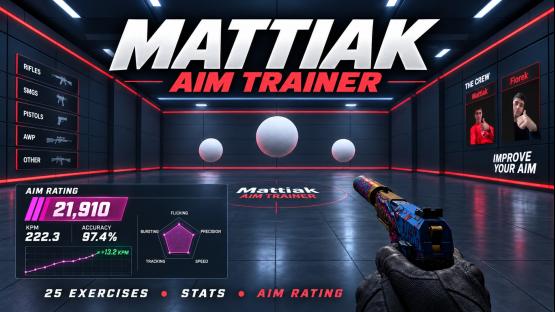 Mattiak Aim Trainer65k subscribers
 The Vice Heist35k subscribers
 Minecraft17k subscribers
 Aim Flow9k subscribers
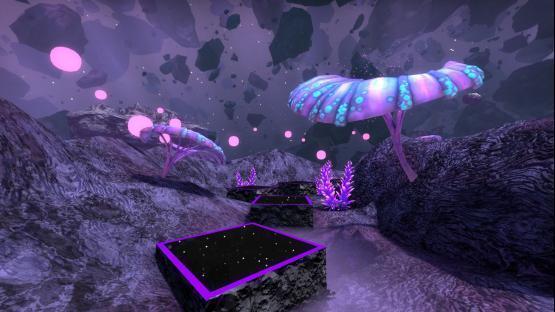 bhop_supernova456 subscribers
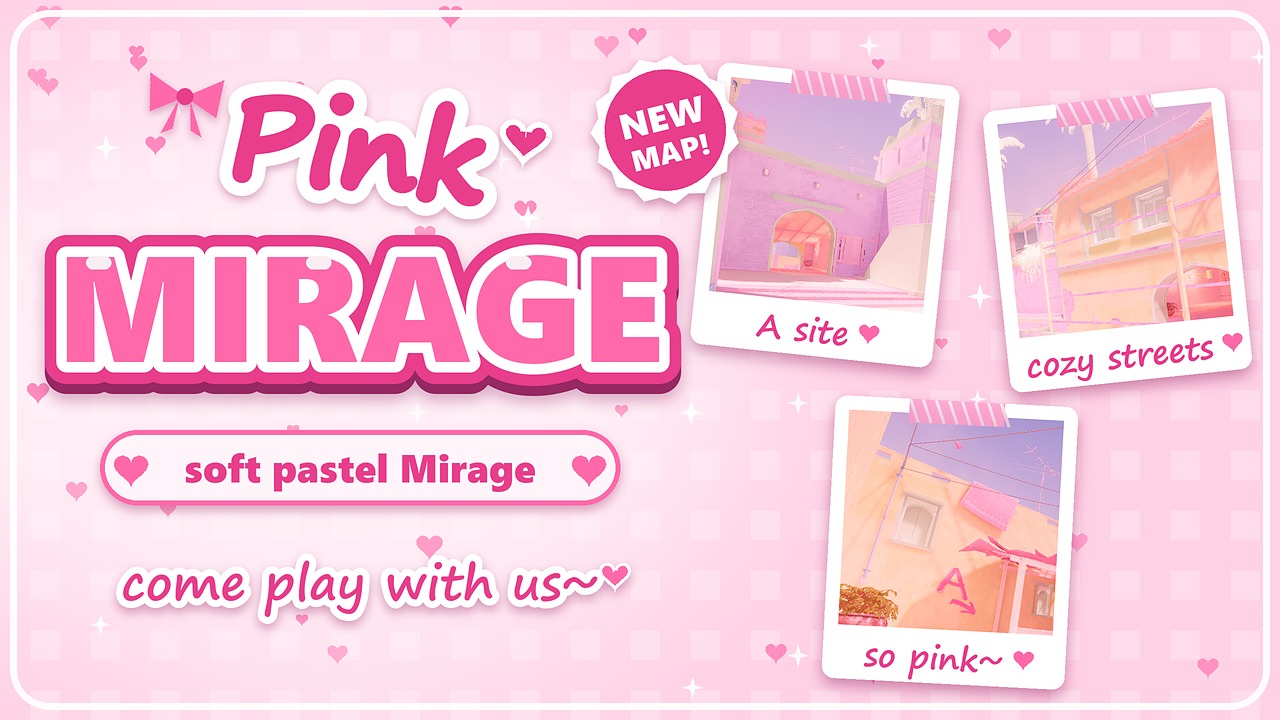 Pink Mirage414 subscribers
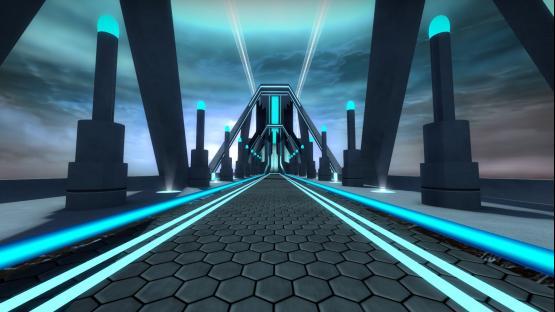 bhop_tron_evolution301 subscribers
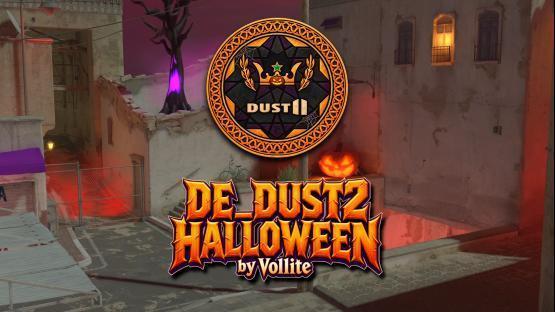 DUST2 Halloween by Vollite326 subscribers
 crashz' Crosshair Generator v3 (CS2 Link in Description)39.7M subscribers
 Aim Botz - Training (CS:GO) (CS2? 👀 Description)24.3M subscribers
 Aim Botz - Aim Training (CS2)13.7M subscribers
 Config Generator ✮ crashz & Misterio12.7M subscribers
 crashz' Viewmodel Generator (CS:GO)12.2M subscribers
 Recoil Master - Spray Training (CS:GO) (CS2? 👀 Description)8.9M subscribers
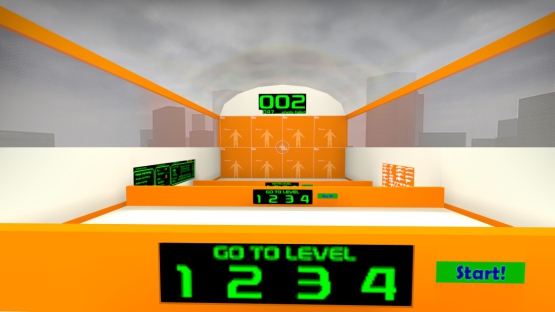 training_aim_csgo2 [CSGO Legacy]6.9M subscribers
 crashz' Crosshair Generator v47.8M subscribers
 CSGOHUB Skills Training Map by csstats.gg6.8M subscribers
 Yprac Mirage Guide [CS2 in Description]5.7M subscribers
 CSStats Training Map (CSGOHUB)6.4M subscribers
 Aim_Rush / Aim training map6.0M subscribers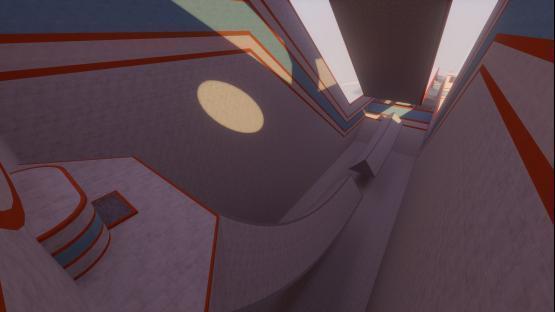

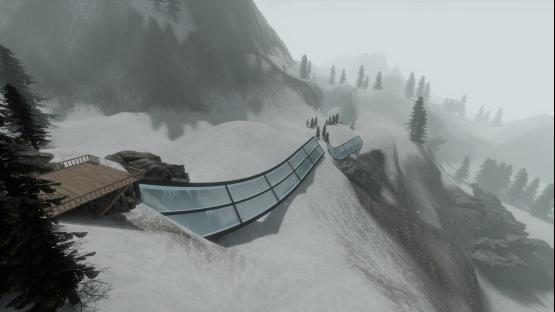

 Movement Hub2.5M subscribers
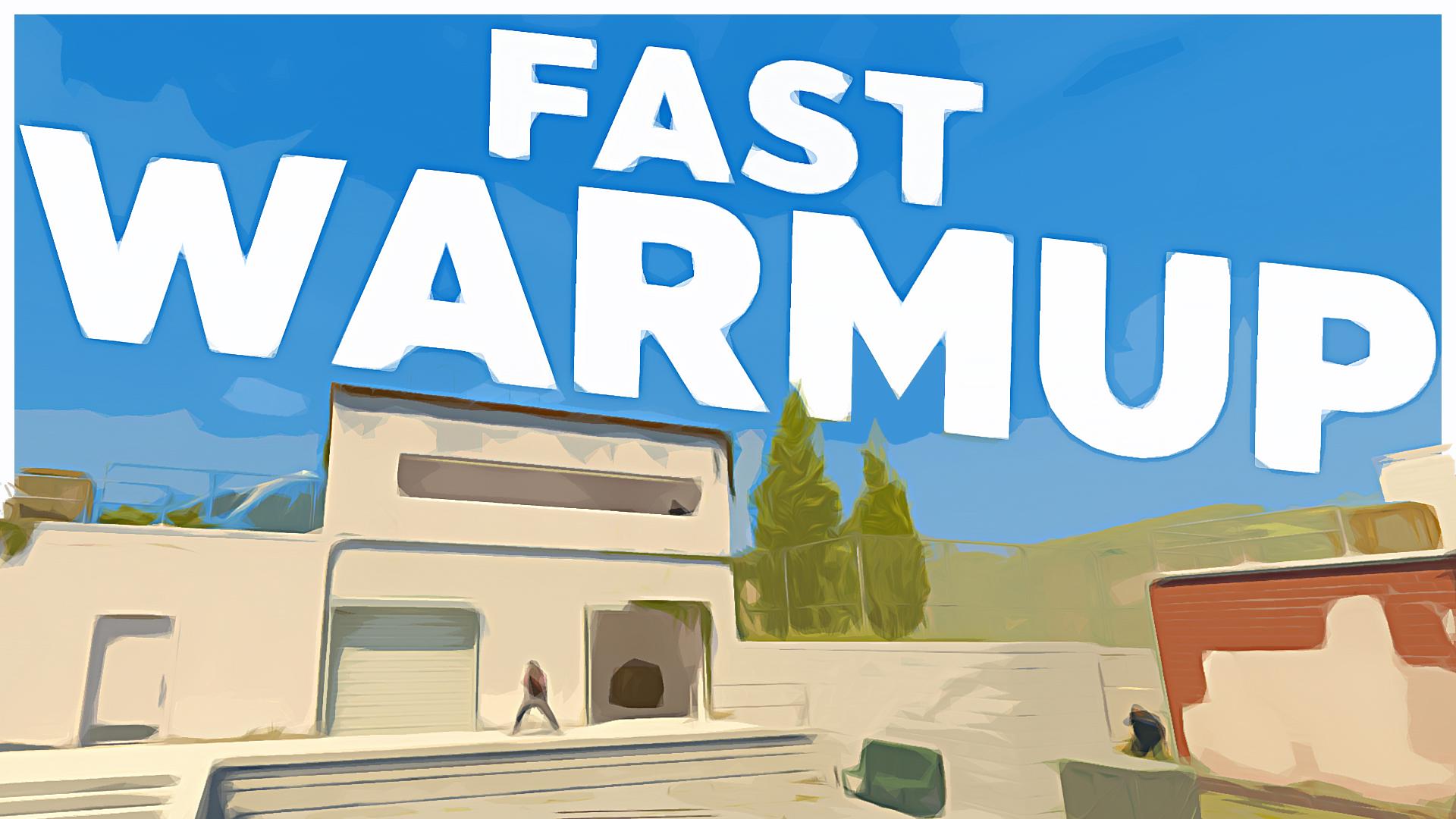 Fast Warmup — Bot Training2.0M subscribers
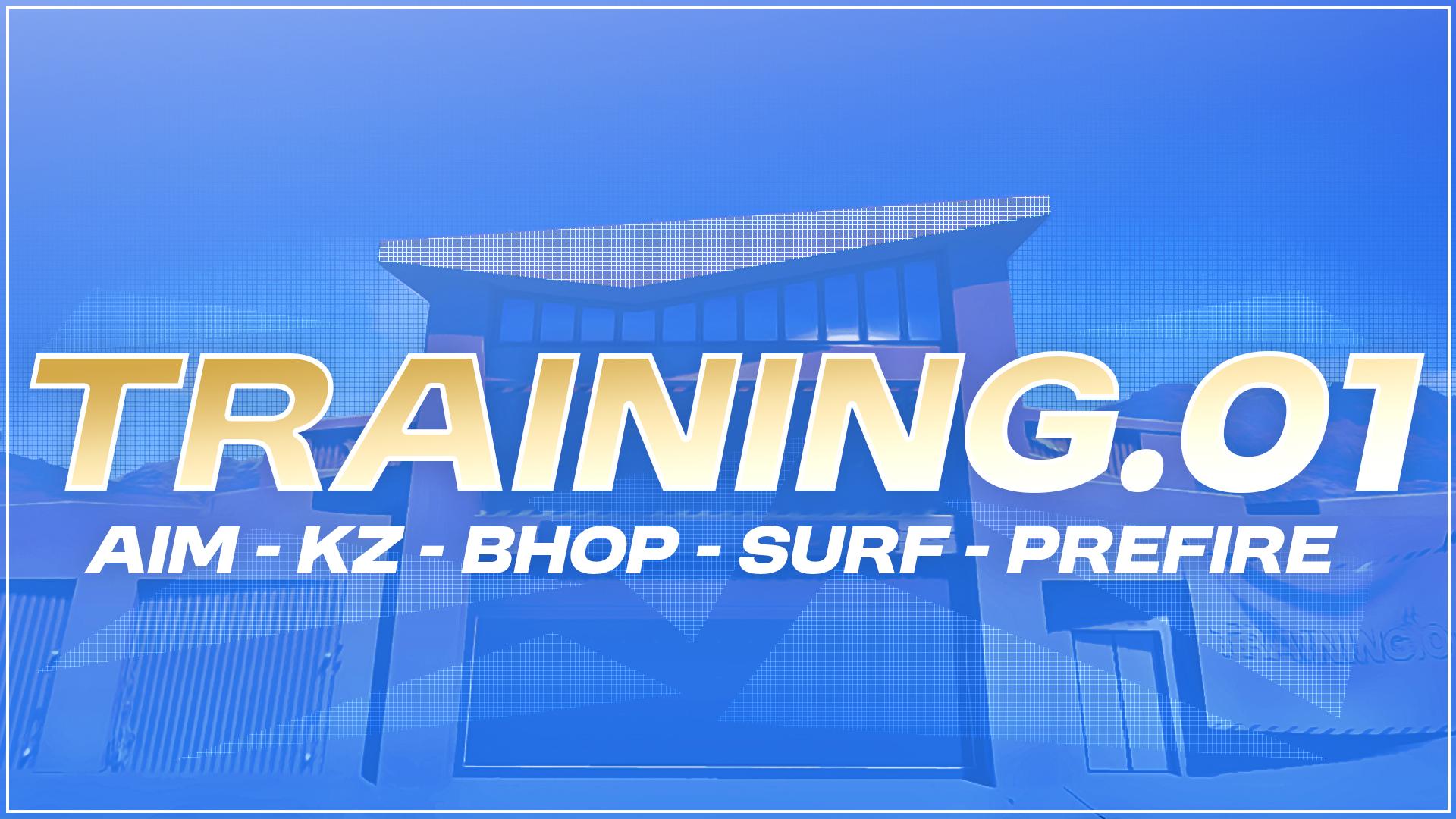 TRAINING.011.6M subscribers
 Refrag.gg - Aim, Movement, Crosshair, Prefire!1.1M subscribers
 Yprac Hub by Yesber1.1M subscribers
 Only Up!448k subscribers
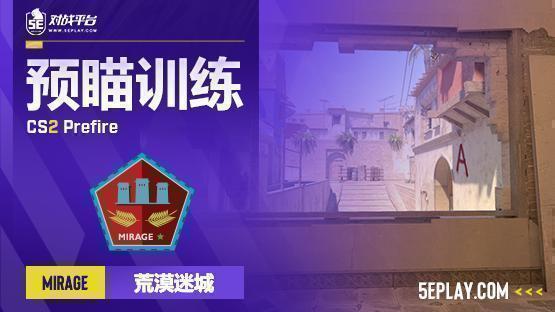 5E_Prac_Mirage_Prefire3.3M subscribers
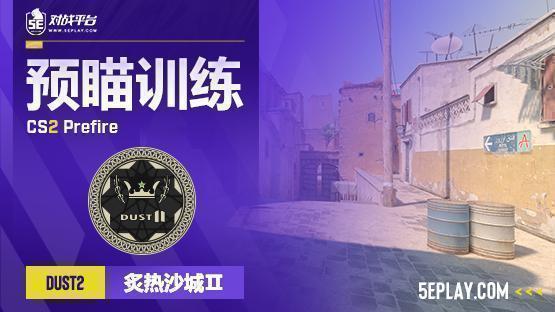 5E_Prac_Dust2_Prefire3.4M subscribers
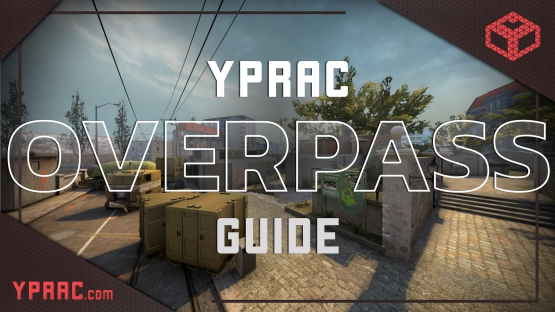 Yprac Overpass Guide [CS2 in Description]2.3M subscribers
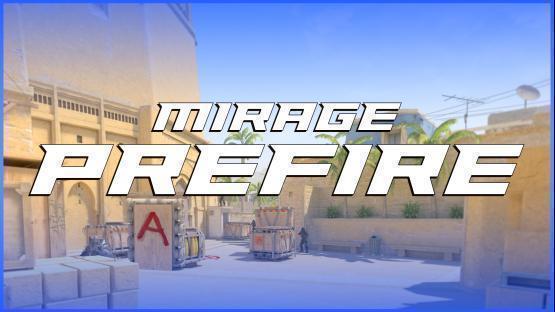 Mirage Prefire2.3M subscribers
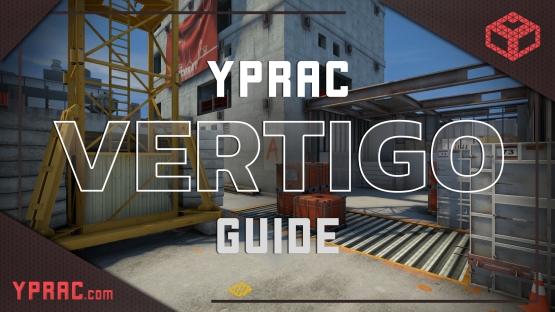 Yprac Vertigo Guide [CS2 in Description]1.6M subscribers
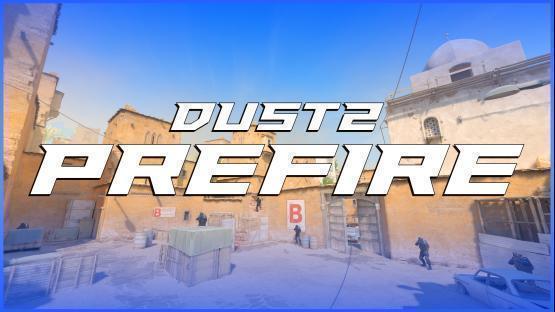 Dust 2 Prefire1.6M subscribers