🇪🇪 aNdu CS2 Settings, Crosshair & Config
Andreas Maasing
Last updated · checked
See also: esports hub, see live matches, teams, rankings, predictions, tournaments, head-to-head, roster moves.
Crosshair code
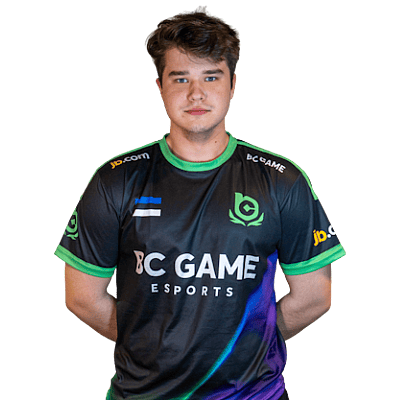
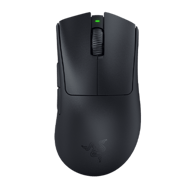
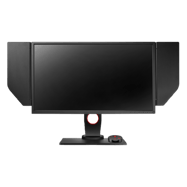
CSGO-XAw5h-FzviG-JYZEu-9svVG-oZJaAaNdu is a professional CS2 rifler currently playing for ALGO Esports from Estonia. aNdu plays with a medium sensitivity setup at 800 eDPI (400 DPI × 2 sens), which is below the pro average of 846. aNdu uses 1920x1080 resolution (16:9 Native) on a ZOWIE XL2546, paired with a Razer Deathadder V3 Pro Black.
Andreas "aNdu" Maasing is a Estonian rifler currently playing for ALGO Esports. He has been competing since 2021, 5 years in the scene. His roster history runs to 10 teams, headlined by a 15-month run at GamerLegion.
aNdu's eDPI of 800 (400 DPI × 2 sensitivity) sits at the 37th percentile of the 1007 pros we track, on the lower side of the pro field. The pro median is 800 eDPI, so before copying these numbers wholesale, translate the feel to your own setup with the eDPI calculator rather than matching DPI and sensitivity digit-for-digit.
aNdu plays at 1920x1080 (16:9), a resolution 14% of tracked pros use. Native-style setups prioritise the widest possible field of view and the cleanest image over the enlarged models of stretched 4:3.
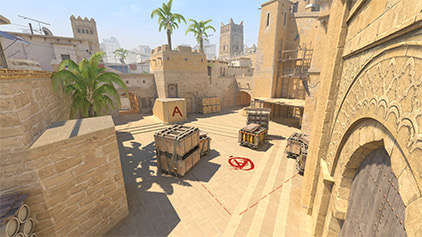
The crosshair (size 1) is exactly the pro median size, with a center dot (only 8% of pros run one), in cyan. Copy it one-click with the share code above, or load it into the crosshair generator to resize it for your own resolution — a crosshair tuned for 1920x1080 can feel different at another.
On gear, the Razer Deathadder V3 Pro Black is a proven pro choice — 29 other players in our database use the same mouse, and the ZOWIE XL2546 monitor pairing is a staple of tier-one setups. Full peripherals, with every pro using each item, are listed below.
Compare these settings with the rest of the CS2 pro player database, convert the sensitivity to your own DPI with the sensitivity converter, copy the crosshair from the pro crosshair codes list, or look up the hardware in the gear database.
Mouse & Sensitivity Settings
Sensitivity
Mouse & Mousepad
Crosshair Settings
CSGO-XAw5h-FzviG-JYZEu-9svVG-oZJaAAdvanced Crosshair Settings
Video & Display Settings
Display
Advanced Video
Viewmodel Settings
Viewmodel
Console Commands
viewmodel_fov 68; viewmodel_offset_x 2.5; viewmodel_offset_y 0; viewmodel_offset_z -1.5Radar & HUD Settings
Radar
HUD
Config & Download
Download aNdu's complete CS2 config as an autoexec file, or copy all console commands at once.
// aNdu's CS2 Config — Generated by CSDB.gg
// https://csdb.gg/player/andu/

// Sensitivity
sensitivity "2"
zoom_sensitivity_ratio "1"

// Crosshair
cl_crosshairstyle "4"
cl_crosshairsize "1"
cl_crosshairgap "-4"
cl_crosshairthickness "0"
cl_crosshairdot "1"
cl_crosshair_drawoutline "0"

// Viewmodel
viewmodel_fov "68"
viewmodel_offset_x "2.5"
viewmodel_offset_y "0"
viewmodel_offset_z "-1.5"
Full Gear & Peripherals
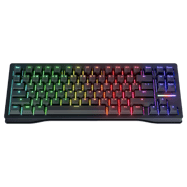
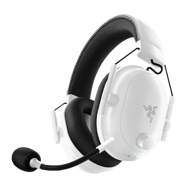
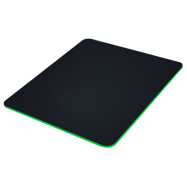
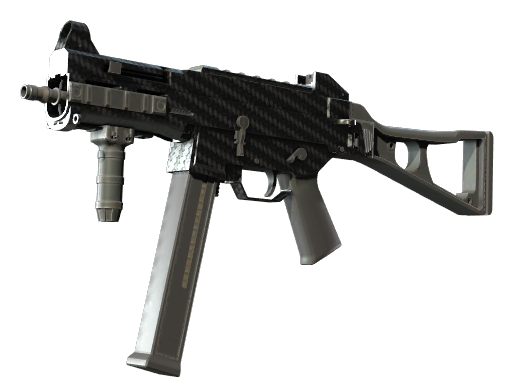
aNdu's Weapon Skins
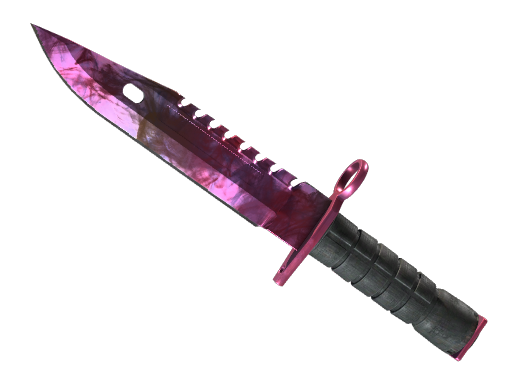
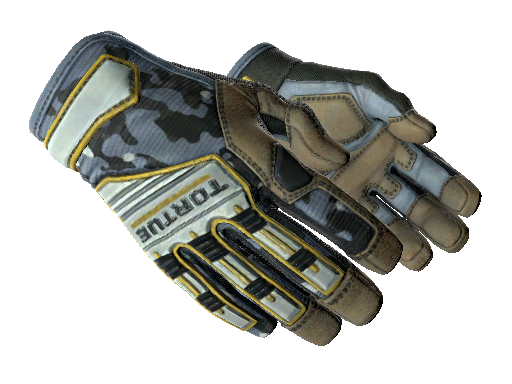
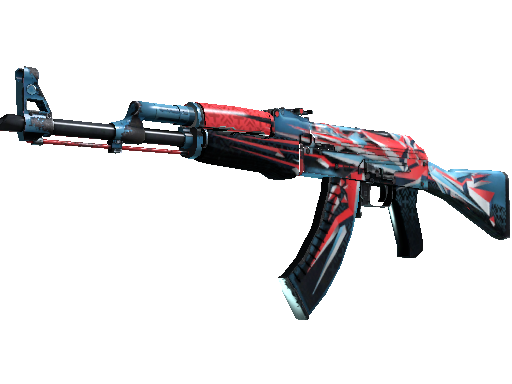
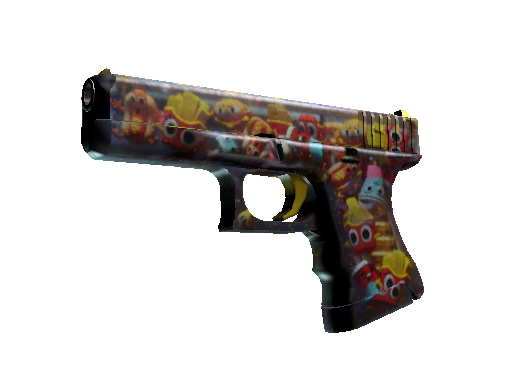
aNdu's Inventory
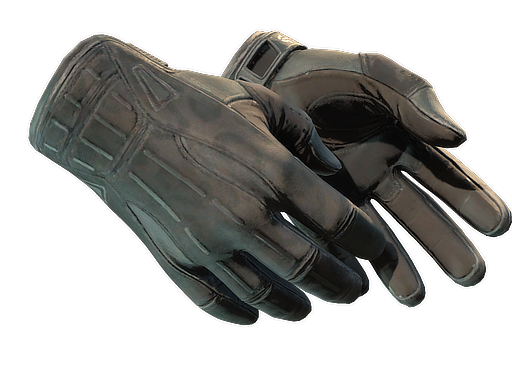
When we last read aNdu's public inventory on , it held 34 items worth $1,733.25 at that day's marketplace prices. That was 96 days ago — neither the contents nor the valuation has been rechecked since, and skin prices move daily.
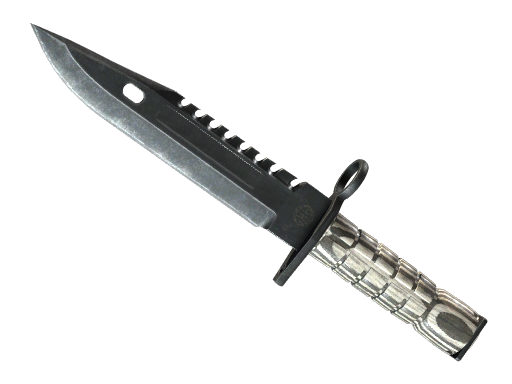
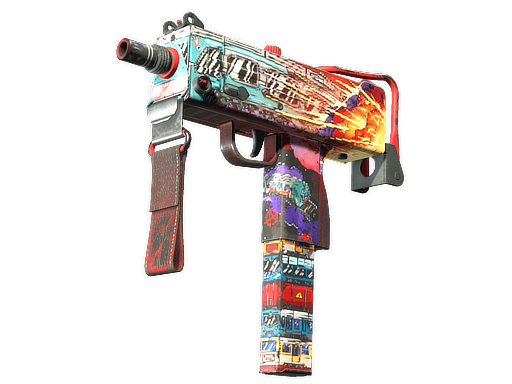
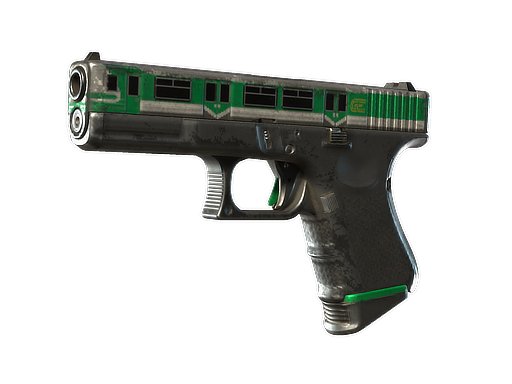
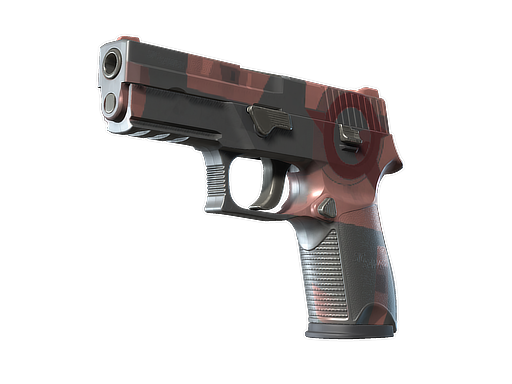
PC Specs
aNdu Performance Stats
Career averages from professional matches, powered by PandaScore.
Live match statistics for aNdu are not currently available.
Recent ALGO Esports Matches
Recent match results for this player's team.
ALGO Esports Teammates
ALGO Esports roster & team settings →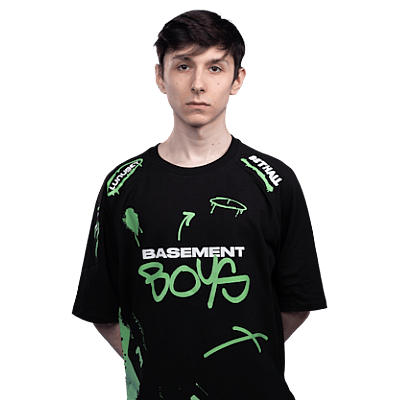
Performance Over Time
CSDB's own daily record of aNdu's tournament statistics. These are career averages as they stood on each date, so the line moves as recent form pulls the average — it is not a per-match rating.
Career Timeline
- – PresentPURE2 mo
- – ALGO Esports|Loan4 mo
- – BC.Game Esports|Inactive8 mo
- – BC.Game Esports|Trial5 mo
- – Copenhagen Wolves (American organization)|Loan5 mo
- – GamerLegion|Inactive9 mo
- – GamerLegion2 mo
- – GamerLegion|Trial3 mo
- – GamerLegion Academy4 mo
- – sYnck|Inactive2 mo
- – sYnck9 mo
- – ESTOWNIA3 mo
- – allStars Gaming2 mo
- – SC e-Sports3 mo
Career Teammates
Players aNdu has shared a roster with, ordered by time together. Derived from overlapping team spells — it says they were teammates and for how long, not how they performed together.
 🇭🇺 sl3ndGamerLegion|Inactive, GamerLegion11 mo
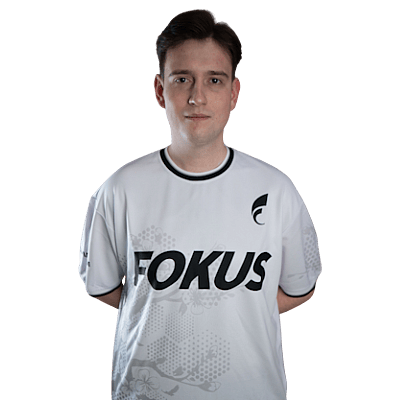 🇷🇴 voltGamerLegion|Inactive, GamerLegion8 mo
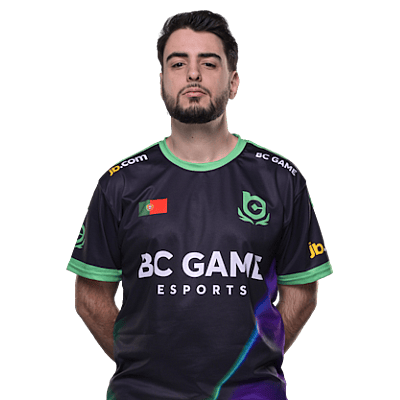 🇵🇹 aragornNBC.Game Esports|Inactive4 mo
 🇵🇱 nesteeGamerLegion Academy4 mo
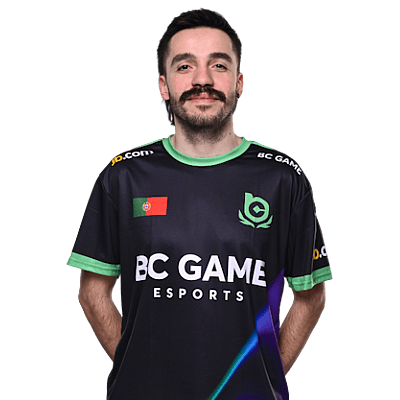 🇵🇹 MUTiRiSBC.Game Esports|Inactive3 mo
 🇷🇺 FL4MUSGamerLegion2 mo
 🇸🇪 ztrGamerLegion2 mo
 🇪🇪 JyosYnck2 mo
Players With Similar Settings
Setup similarity — aim speed, display, crosshair and viewmodel. This compares how they configure the game, not how they play it.


Frequently Asked Questions
- What sensitivity does aNdu use in CS2?
- aNdu uses 400 DPI with 2 in-game sensitivity, resulting in 800 eDPI. This translates to approximately 52 cm per 360-degree turn. This is below the pro average of 846 eDPI, suggesting a preference for precision over speed.
- What mouse does aNdu use?
- aNdu currently uses the Razer Deathadder V3 Pro Black at 400 DPI with a 1000Hz polling rate, paired with a Razer Gigantus V2 mousepad.
- What resolution does aNdu play on?
- aNdu plays on 1920x1080 (16:9) with Native display mode at 240Hz on a ZOWIE XL2546.
- What is aNdu's crosshair code?
- aNdu's crosshair code is CSGO-XAw5h-FzviG-JYZEu-9svVG-oZJaA. To apply it, open CS2, go to Settings → Crosshair → Share or Import, and paste the code.
Spotted something out of date?
Related
Team
Gear
- Razer Deathadder V3 Pro BlackMouse
- Wooting 80HE BlackKeyboard
- ZOWIE XL2546Monitor
- Razer BlackShark V2 Pro WhiteHeadset
- Razer Gigantus V2Mousepad