Content Creator
🇨🇦 shroud CS2 Settings, Crosshair & Config
Michael Grzesiek
Last updated · checked
See also: esports hub, see live matches, teams, rankings, predictions, tournaments, head-to-head, roster moves.

Crosshair code
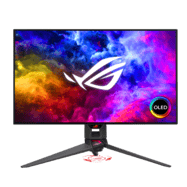
CSGO-oWwnn-Keks9-w8fEW-LnBEY-pYOAKshroud is a retired professional CS2 rifler from Canada. shroud plays with a high sensitivity setup at 960 eDPI (1600 DPI × 0.6 sens), which is above the pro average of 846. shroud uses 2560x1440 resolution (16:9 Native) on a ASUS ROG PG27AQDM, paired with a Logitech G Pro X2 SUPERSTRIKE.
Michael "shroud" Grzesiek is a Canadian rifler who has since retired from competitive play. He has competed at a professional level since 2013, a career spanning 13 years. His longest spell came at Cloud9, where he stayed 3 years and 9 months across a roster history of 5 teams.
shroud's eDPI of 960 (1600 DPI × 0.6 sensitivity) sits at the 74th percentile of the 1007 pros we track, on the faster side of the pro field. The pro median is 800 eDPI, so before copying these numbers wholesale, translate the feel to your own setup with the eDPI calculator rather than matching DPI and sensitivity digit-for-digit.
shroud plays at 2560x1440 (16:9), a resolution 0% of tracked pros use. Native-style setups prioritise the widest possible field of view and the cleanest image over the enlarged models of stretched 4:3.
The crosshair (size 5) is larger than the pro median of 1, in green. Copy it one-click with the share code above, or load it into the crosshair generator to resize it for your own resolution — a crosshair tuned for 2560x1440 can feel different at another.
On gear, the Logitech G Pro X2 SUPERSTRIKE is a proven pro choice — 76 other players in our database use the same mouse, and the ASUS ROG PG27AQDM monitor pairing is a staple of tier-one setups. Full peripherals, with every pro using each item, are listed below.
Compare these settings with the rest of the CS2 pro player database, convert the sensitivity to your own DPI with the sensitivity converter, copy the crosshair from the pro crosshair codes list, or look up the hardware in the gear database.
Mouse & Sensitivity Settings
Sensitivity
Mouse & Mousepad
Crosshair Settings
CSGO-oWwnn-Keks9-w8fEW-LnBEY-pYOAKAdvanced Crosshair Settings
Video & Display Settings
Display
Advanced Video
Viewmodel & Bob Settings
Viewmodel
Console Commands
viewmodel_fov 68; viewmodel_offset_x 2.5; viewmodel_offset_y 1; viewmodel_offset_z -1.5Weapon Bob
Content & streams
shroud also streams and makes content — audience, live status and channel links are on their CSDB creator profile.
Radar & HUD Settings
Radar
HUD
Monitor Settings
Config & Download
Download shroud's complete CS2 config as an autoexec file, or copy all console commands at once.
// shroud's CS2 Config — Generated by CSDB.gg
// https://csdb.gg/player/shroud/

// Sensitivity
sensitivity "0.6"
zoom_sensitivity_ratio "1"

// Crosshair
cl_crosshairstyle "4"
cl_crosshairsize "5"
cl_crosshairgap "-2"
cl_crosshairthickness "1.5"
cl_crosshairdot "0"
cl_crosshair_drawoutline "0"

// Viewmodel
viewmodel_fov "68"
viewmodel_offset_x "2.5"
viewmodel_offset_y "1"
viewmodel_offset_z "-1.5"

// Launch Options: -high -freq 240
Full Gear & Peripherals

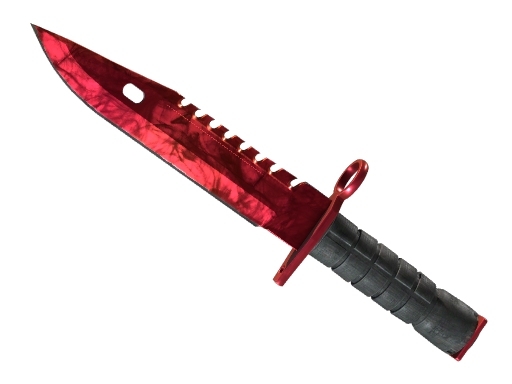
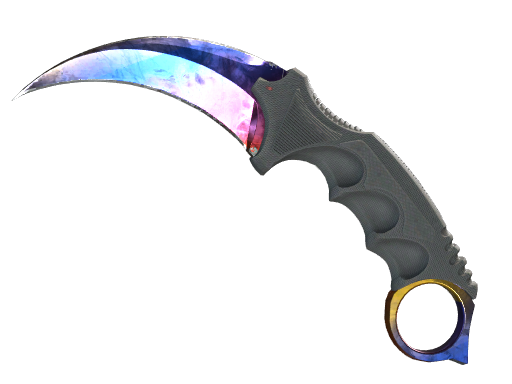
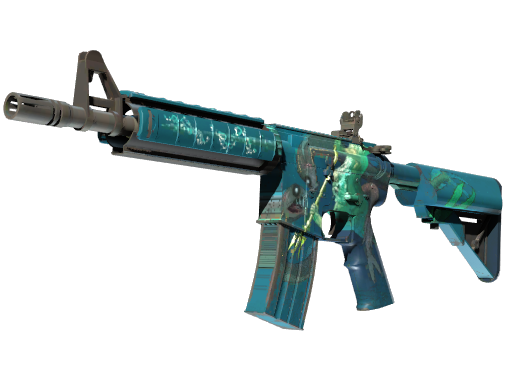
shroud's Inventory
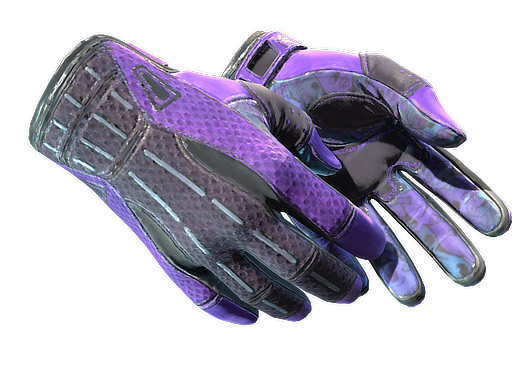
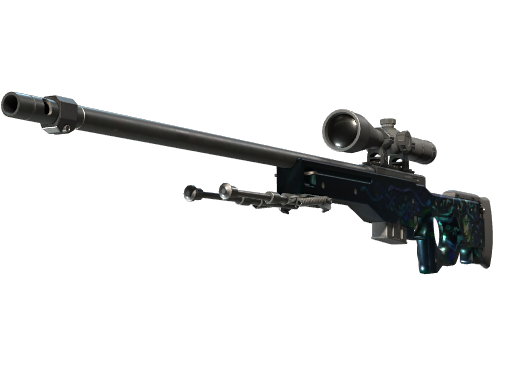
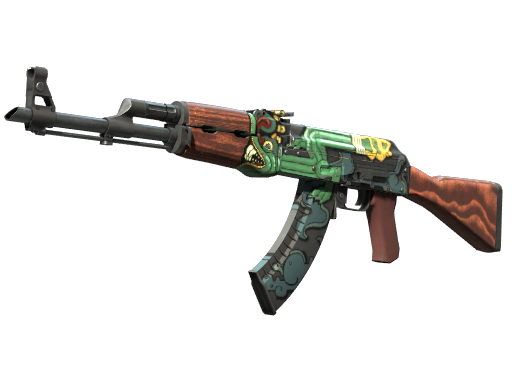
When we last read shroud's public inventory on , it held 499 items worth $35,217.42 at that day's marketplace prices. That was 94 days ago — neither the contents nor the valuation has been rechecked since, and skin prices move daily.
PC Specs
Launch Options
-high -freq 240shroud Performance Stats
Career averages from professional matches, powered by PandaScore.
Live match statistics for shroud are not currently available.
Recent Team Matches
Recent match results for this player's team.
Career Timeline
- – Cloud9|streamer8 mo
- – Cloud93 yr
- – compLexity|stand-in1 mo
- – Manajuma3 mo
- – Exertus eSports1 mo
- – Slow Motion4 mo
Career Teammates
Players shroud has shared a roster with, ordered by time together. Derived from overlapping team spells — it says they were teammates and for how long, not how they performed together.
 🇺🇸 n0thingCloud93 yr
 🇺🇸 SkadoodleCloud92 yr 4 mo
 🇺🇸 Stewie2KCloud91 yr 7 mo
 🇺🇸 seangaresCloud91 yr 4 mo
 🇺🇸 FreakazoidCloud91 yr 1 mo
 🇺🇸 autimaticCloud91 yr
 🇺🇸 HikoCloud94 mo
 🇺🇸 ShahZaMCloud94 mo
Players With Similar Settings
Setup similarity — aim speed, display, crosshair and viewmodel. This compares how they configure the game, not how they play it.


Frequently Asked Questions
- What sensitivity does shroud use in CS2?
- shroud uses 1600 DPI with 0.6 in-game sensitivity, resulting in 960 eDPI. This translates to approximately 43 cm per 360-degree turn. This is above the pro average of 846 eDPI, suggesting a preference for faster target acquisition.
- What mouse does shroud use?
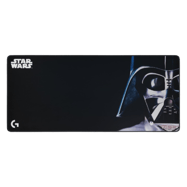
- shroud currently uses the Logitech G Pro X2 SUPERSTRIKE at 1600 DPI with a 1000Hz polling rate, paired with a Logitech G840 Darth Vader mousepad.
- What resolution does shroud play on?
- shroud plays on 2560x1440 (16:9) with Native display mode at 240Hz on a ASUS ROG PG27AQDM.
- What is shroud's crosshair code?
- shroud's crosshair code is CSGO-oWwnn-Keks9-w8fEW-LnBEY-pYOAK. To apply it, open CS2, go to Settings → Crosshair → Share or Import, and paste the code.