
🇷🇺 FL1T
Evgeny Lebedev
680eDPI
1280x9604:3 Stretched
61cmcm/360°
8000HzRefresh Rate
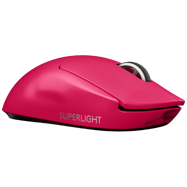
FL1T is a professional CS2 rifler currently playing for Virtus.pro from Russia. FL1T plays with a medium sensitivity setup at 680 eDPI (1600 DPI × 0.425 sens), which is below the pro average of 844. FL1T uses 1280x960 resolution (4:3 Stretched) on a ZOWIE XL2546K, paired with a Logitech G Pro X Superlight 2 Magenta.
Mouse & Sensitivity Settings
Sensitivity
DPI1600
In-Game Sensitivity0.425
eDPI680
Zoom Sensitivity1
Polling Rate8000Hz
cm/360°61cm
680
Avg 844
LowMediumHigh
Mouse & Mousepad
MouseLogitech G Pro X Superlight 2 Magenta
MousepadPulsar eS Saturn Pro Black
Crosshair Settings
FL1T's Crosshair
Try in Crosshair Generator → CSGO-YtKrA-9AOuq-xaDqh-974Py-kbTOG StyleClassic Static
ColorCustom
Size1
Thickness1
Gap-4
DotNo
OutlineNo
Advanced Crosshair Settings
Follow RecoilNo
T-StyleNo
Red0
Green255
Blue145
Use AlphaYes
Alpha255
Outline Thickness0.5
Deployed Weapon GapNo
Split Distance3
Fixed Gap-2
Inner Split Alpha0
Outer Split Alpha1
Split Size Ratio1
Sniper Width0
Video & Display Settings
Display
Resolution1280x960
Aspect Ratio4:3
Scaling ModeStretched
Refresh Rate8000Hz
MonitorZOWIE XL2546K
Display ModeFullscreen
Brightness95
Boost Player ContrastEnabled
V-SyncDisabled
NVIDIA G-SyncDisabled
Advanced Video
Anti-Aliasing4x MSAA
Shadow QualityHigh
Dynamic ShadowsAll
Texture DetailLow
Texture FilteringBilinear
Shader DetailLow
Viewmodel & Bob Settings
Viewmodel
viewmodel_fov68
viewmodel_offset_x2.5
viewmodel_offset_y0
viewmodel_offset_z-1.5
viewmodel_presetpos2
Console Commands
viewmodel_fov 68; viewmodel_offset_x 2.5; viewmodel_offset_y 0; viewmodel_offset_z -1.5 Weapon Bob
cl_bob_lower_amt21
cl_bobamt_lat0.33
cl_bobamt_vert0.14
cl_bobcycle0.98
Radar & HUD Settings
Radar
Centers PlayerYes
RotatingYes
Toggle ShapeYes
Radar HUD Size1
Radar Map Zoom0.505
HUD
HUD Scale0.85
HUD ColorWhite
Monitor Settings
DyAcPremium
Black eQualizer10
Color Vibrance12
Low Blue Light0
Picture ModeFPS 2
Contrast55
Sharpness8
GammaGamma 2
Color TemperatureNormal
AMAPremium
Config & Download
Download FL1T's complete CS2 config as an autoexec file, or copy all console commands at once.
autoexec.cfg preview
// FL1T's CS2 Config — Generated by CSDB.gg
// https://csdb.gg/player/fl1t/

// Sensitivity
sensitivity "0.425"
zoom_sensitivity_ratio_mouse "1"

// Crosshair
cl_crosshairstyle "4"
cl_crosshairsize "2"
cl_crosshairgap "-1"
cl_crosshairthickness "1"
cl_crosshairdot "0"
cl_crosshair_drawoutline "0"

// Viewmodel
viewmodel_fov "68"
viewmodel_offset_x "2.5"
viewmodel_offset_y "0"
viewmodel_offset_z "-1.5"
Full Gear & Peripherals

Monitor ZOWIE XL2546K
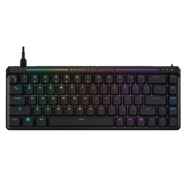
Keyboard ASUS ROG Falchion Ace HFX Black
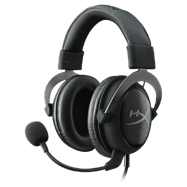
Headset HyperX Cloud II Gun Metal
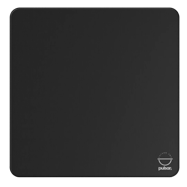
Mousepad Pulsar eS Saturn Pro Black
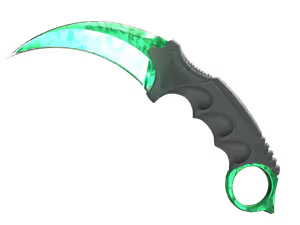
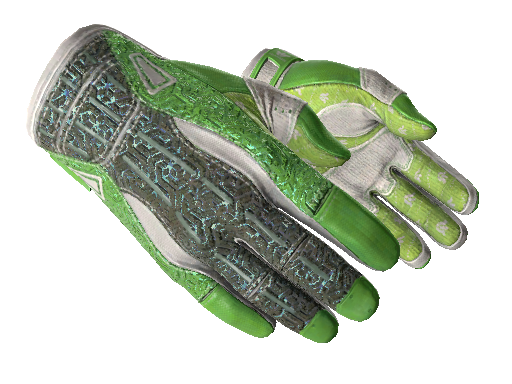
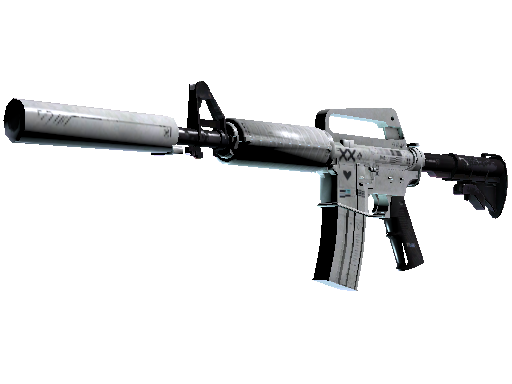
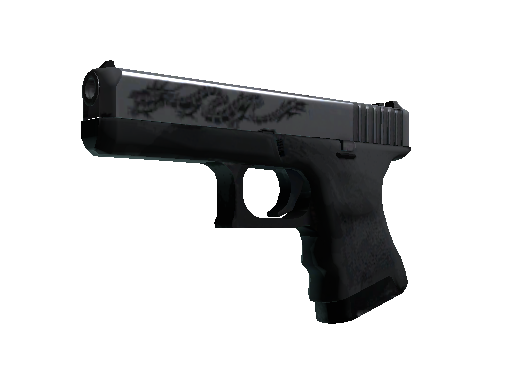
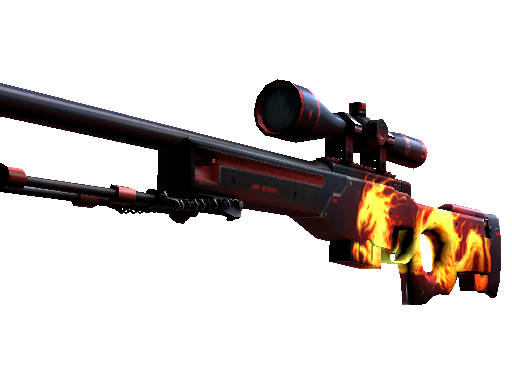
FL1T's Weapon Skins
PC Specs
GPU RTX 3080
Performance Stats
Live stats from professional matches, powered by PandaScore.
Loading performance data…
Recent Matches
Recent match results for this player's team.
Loading match history…
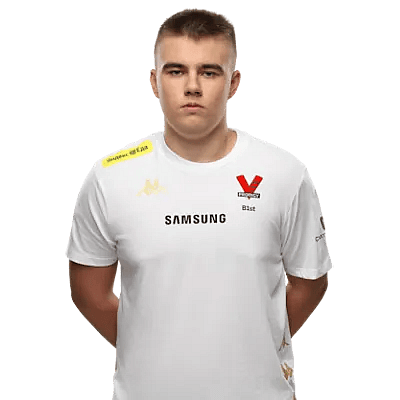
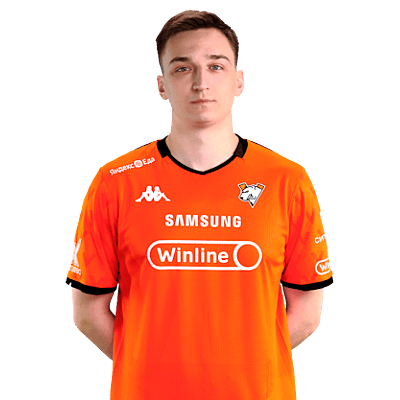
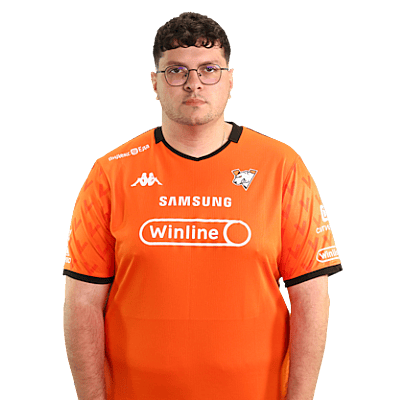
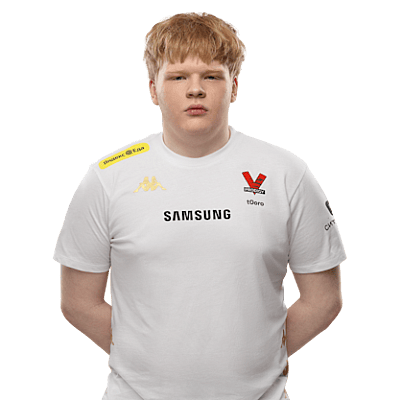
Virtus.pro Teammates

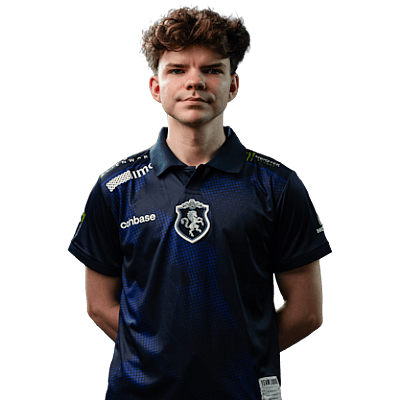
Players With Similar Settings


Frequently Asked Questions
- What sensitivity does FL1T use in CS2?
- FL1T uses 1600 DPI with 0.425 in-game sensitivity, resulting in 680 eDPI. This translates to approximately 61 cm per 360-degree turn. This is below the pro average of 844 eDPI, suggesting a preference for precision over speed.
- What mouse does FL1T use?
- FL1T currently uses the Logitech G Pro X Superlight 2 Magenta at 1600 DPI with a 8000Hz polling rate, paired with a Pulsar eS Saturn Pro Black mousepad.
- What resolution does FL1T play on?
- FL1T plays on 1280x960 (4:3) with Stretched display mode at 8000Hz on a ZOWIE XL2546K.
- What is FL1T's crosshair code?
- FL1T's crosshair code is CSGO-YtKrA-9AOuq-xaDqh-974Py-kbTOG. To apply it, open CS2, go to Settings → Crosshair → Share or Import, and paste the code.