
🏳️ Byali
Paweł Bieliński
720eDPI
1440x10804:3 Stretched
58cmcm/360°
4000HzRefresh Rate
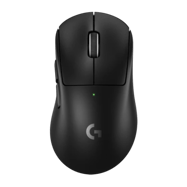
Byali is a professional CS2 rifler from Unknown. Byali plays with a medium sensitivity setup at 720 eDPI (800 DPI × 0.9 sens), which is below the pro average of 860. Byali uses 1440x1080 resolution (4:3 Stretched) on a HP OMEN X 27, paired with a Logitech G Pro X Superlight 2 Dex Black.
Mouse & Sensitivity Settings
Sensitivity
DPI800
In-Game Sensitivity0.9
eDPI720
Zoom Sensitivity1
Polling Rate4000Hz
cm/360°58cm
720
Avg 860
LowMediumHigh
Mouse & Mousepad
MouseLogitech G Pro X Superlight 2 Dex Black
MousepadKurosun Samurai
Crosshair Settings
Byali's Crosshair
Try in Crosshair Generator → CSGO-tfhQR-TCGzP-W2iip-yrE6z-pASZQ StyleClassic Static
ColorCyan
Size2.5
Thickness0
Gap-2
DotNo
OutlineYes
Advanced Crosshair Settings
Follow RecoilNo
T-StyleNo
Red0
Green238
Blue144
Use AlphaYes
Alpha255
Outline Thickness0
Deployed Weapon GapNo
Split Distance3
Fixed Gap3
Inner Split Alpha0
Outer Split Alpha1
Split Size Ratio1
Sniper Width0
Video & Display Settings
Display
Resolution1440x1080
Aspect Ratio4:3
Scaling ModeStretched
Refresh Rate4000Hz
MonitorHP OMEN X 27
Display ModeFullscreen
Brightness93%
Boost Player ContrastDisabled
V-SyncDisabled
NVIDIA ReflexEnabled + Boost
NVIDIA G-SyncDisabled
Max FPS900
Advanced Video
Anti-AliasingNone
Shadow QualityLow
Dynamic ShadowsAll
Texture DetailLow
Texture FilteringBilinear
Shader DetailLow
Particle DetailLow
Ambient OcclusionDisabled
HDRQuality
FidelityFXDisabled (Highest Quality)
Viewmodel & Bob Settings
Viewmodel
viewmodel_fov68
viewmodel_offset_x2.5
viewmodel_offset_y0
viewmodel_offset_z-1.5
viewmodel_presetpos2
Console Commands
viewmodel_fov 68; viewmodel_offset_x 2.5; viewmodel_offset_y 0; viewmodel_offset_z -1.5 Weapon Bob
cl_bob_lower_amt5
cl_bobamt_lat0.1
cl_bobamt_vert0.1
cl_bobcycle0.98
Radar & HUD Settings
Radar
Centers PlayerYes
RotatingYes
Toggle ShapeYes
Radar HUD Size1
Radar Map Zoom0.4
HUD
HUD Scale0.85
HUD ColorTeam Color
Config & Download
Download Byali's complete CS2 config as an autoexec file, or copy all console commands at once.
autoexec.cfg preview
// Byali's CS2 Config — Generated by CSDB.gg
// https://csdb.gg/player/byali/

// Sensitivity
sensitivity "0.9"
zoom_sensitivity_ratio_mouse "1"

// Crosshair
cl_crosshairstyle "4"
cl_crosshairsize "2"
cl_crosshairgap "-1"
cl_crosshairthickness "1"
cl_crosshairdot "0"
cl_crosshair_drawoutline "0"

// Viewmodel
viewmodel_fov "68"
viewmodel_offset_x "2.5"
viewmodel_offset_y "0"
viewmodel_offset_z "-1.5"

// Launch Options: -novid -nojoy -tickrate 128 -freq 240 -allow_third_party_software
Full Gear & Peripherals
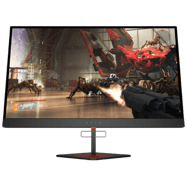
Monitor HP OMEN X 27
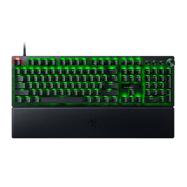
Keyboard Razer Huntsman V3 Pro
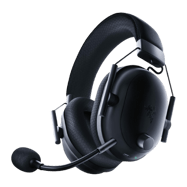
Headset Razer BlackShark V2 Pro Black
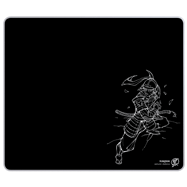
Mousepad Kurosun Samurai
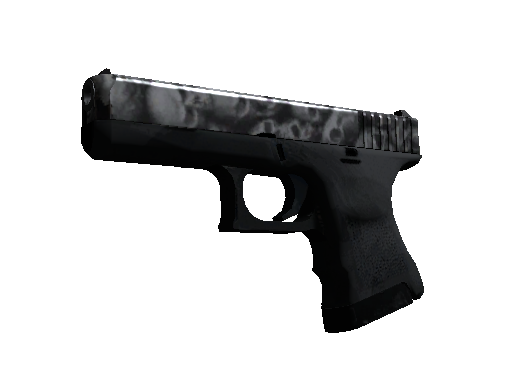
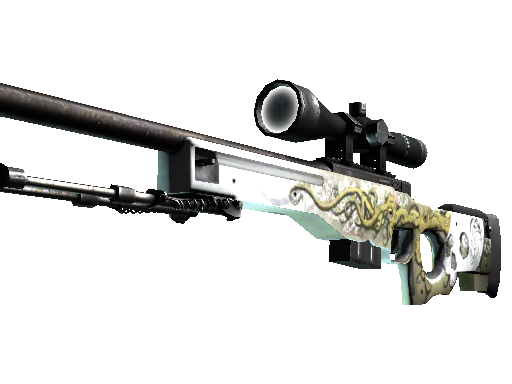
Byali's Weapon Skins
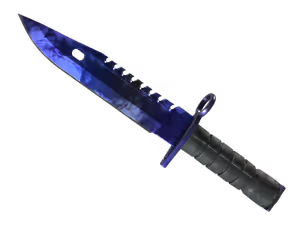
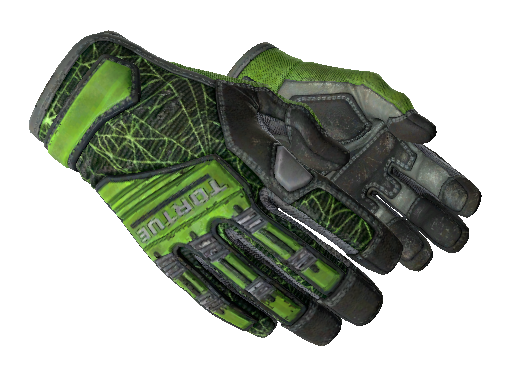
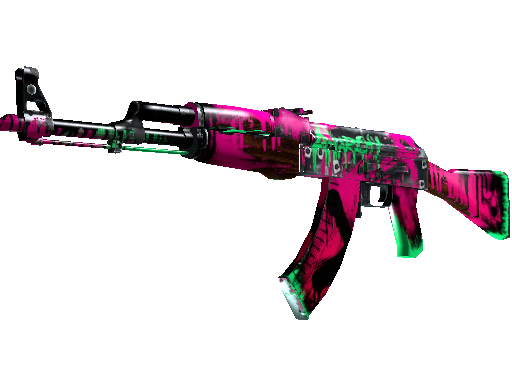
PC Specs
GPU RTX 4070 Super
Launch Options
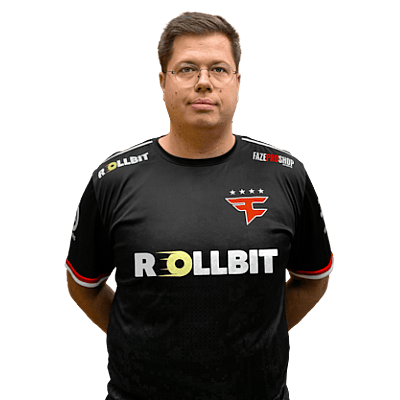
-novid -nojoy -tickrate 128 -freq 240 -allow_third_party_software Players With Similar Settings



Frequently Asked Questions
- What sensitivity does Byali use in CS2?
- Byali uses 800 DPI with 0.9 in-game sensitivity, resulting in 720 eDPI. This translates to approximately 58 cm per 360-degree turn. This is below the pro average of 860 eDPI, suggesting a preference for precision over speed.
- What mouse does Byali use?
- Byali currently uses the Logitech G Pro X Superlight 2 Dex Black at 800 DPI with a 4000Hz polling rate, paired with a Kurosun Samurai mousepad.
- What resolution does Byali play on?
- Byali plays on 1440x1080 (4:3) with Stretched display mode at 4000Hz on a HP OMEN X 27.
- What is Byali's crosshair code?
- Byali's crosshair code is CSGO-tfhQR-TCGzP-W2iip-yrE6z-pASZQ. To apply it, open CS2, go to Settings → Crosshair → Share or Import, and paste the code.